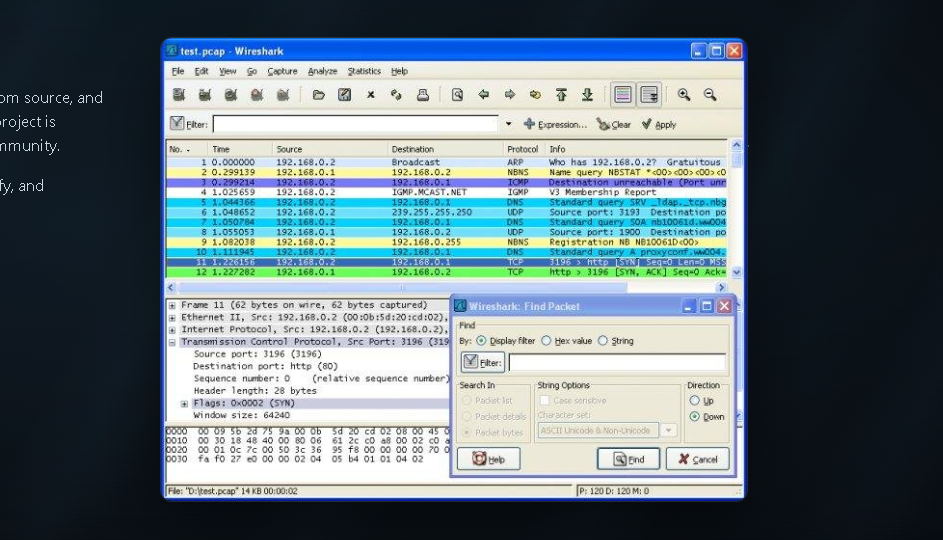
First Capture Walkthrough
- Install Wireshark and accept Npcap on Windows when prompted for live capture support.
- Launch Wireshark. Select the active interface (often Wi-Fi or Ethernet) showing traffic sparklines.
- Click the blue shark fin to start capture. Generate test traffic by opening a browser page.
- Click the red square to stop. Apply a display filter such as
httpto isolate web traffic. - Save the file as a .pcapng for later analysis or sharing with your team.